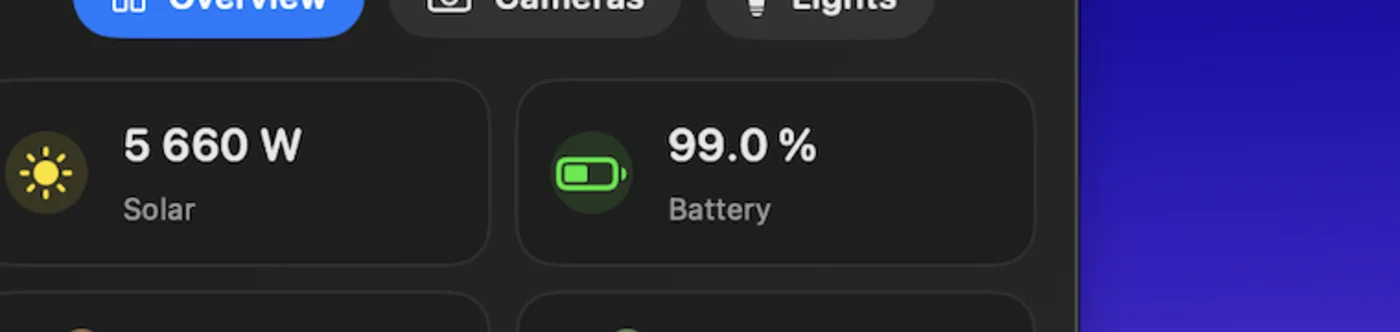
Menu bar overview
Keep energy, climate, occupancy, battery, or device-health readings visible in a compact popup instead of a full browser dashboard.
App Store Support
HassBoard keeps sensors, alerts, tabs, and cameras one click away. It connects directly to your self-hosted Home Assistant instance, stores your token in the macOS Keychain, and stays local-first by design.
Features
HassBoard surfaces the parts of Home Assistant you need most often, then gets out of your way. The app is optimized for fast status checks, direct interaction, and local-first configuration.
Keep energy, climate, occupancy, battery, or device-health readings visible in a compact popup instead of a full browser dashboard.
Review snapshots or start live views from the same menu bar workspace, so doorbells and driveways stay within reach while you work.
Organize entity cards, independent alerts, tabs, and custom cards around the sensors and cameras that matter most in your setup.
Your Home Assistant token stays in the macOS Keychain. Exported configuration files remain shareable without embedding that token.
Screenshots
HassBoard keeps setup and day-to-day use close together. Configure tabs and alerts once, then jump back to a focused menu bar popover whenever you need it.
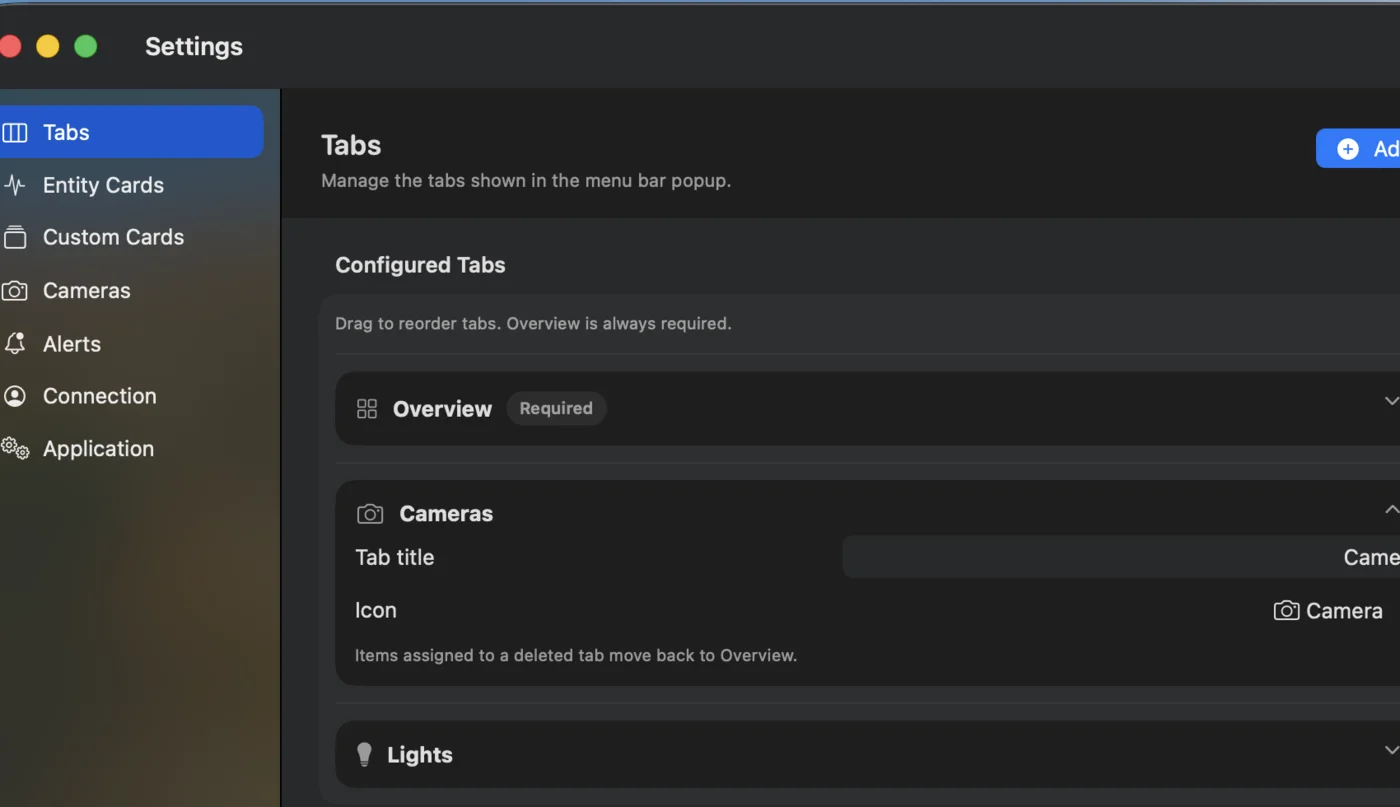
Split overview, cameras, lights, or custom groups into dedicated tabs so the menu bar popup stays compact and readable.
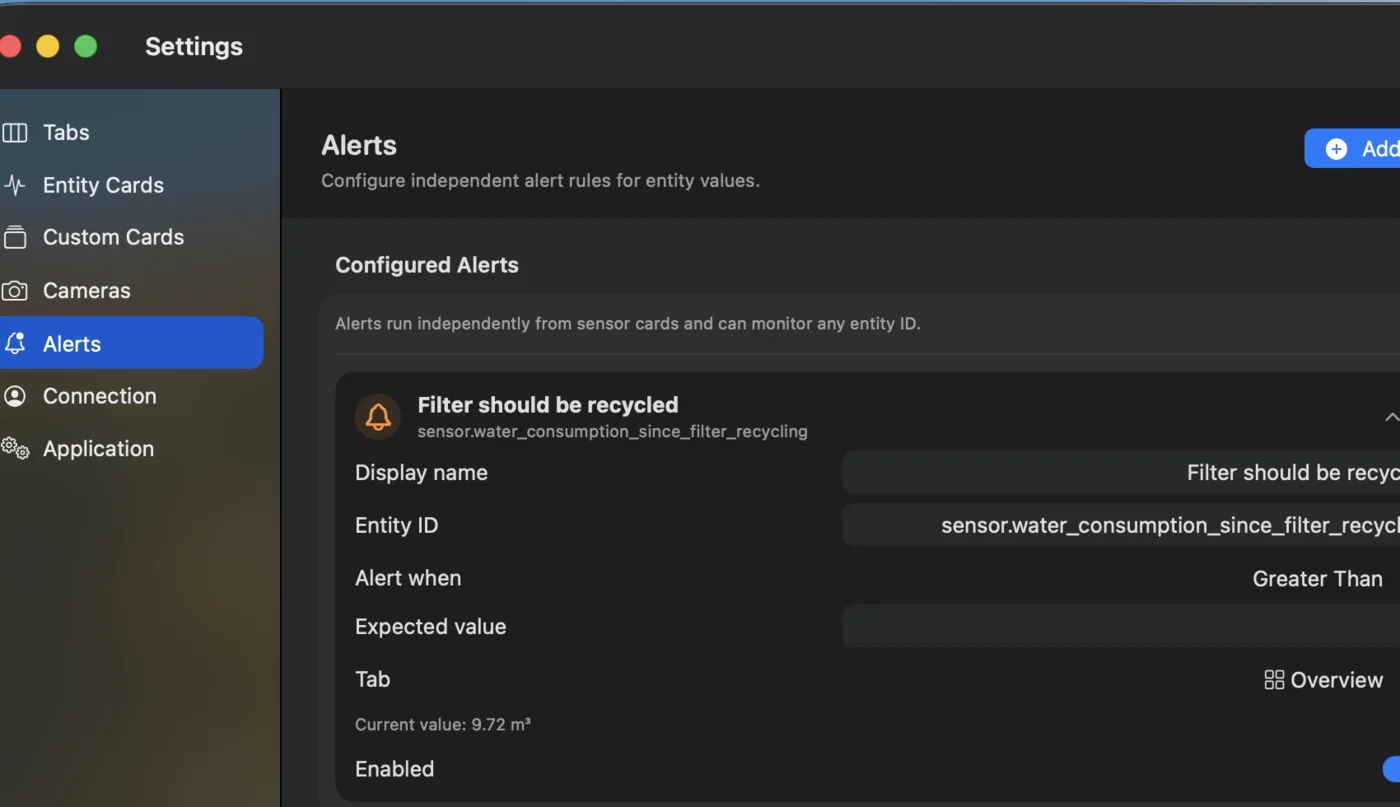
Create alert conditions that watch entity values on their own and surface important changes without rebuilding your whole dashboard.
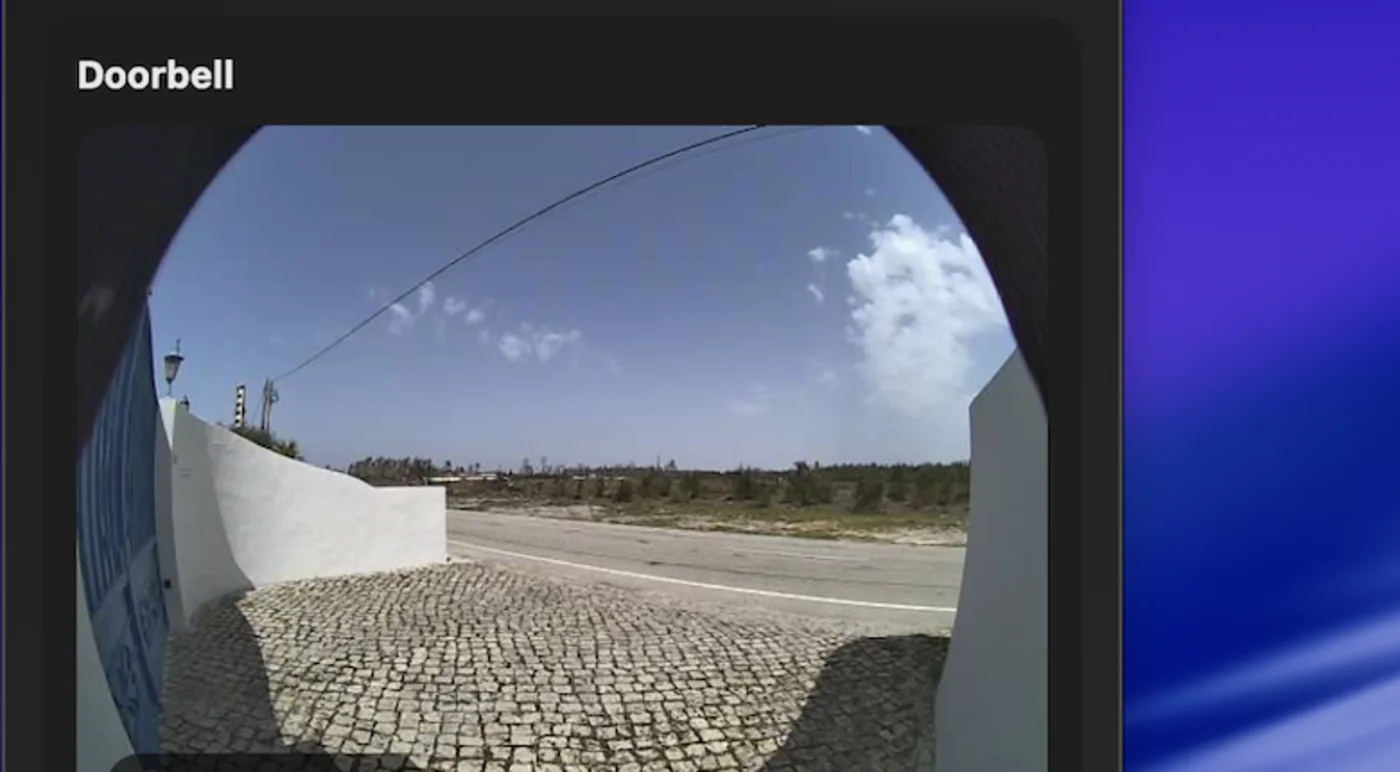
Check a camera feed in seconds, then return to your desktop flow without opening another browser window.
FAQ
Most questions come down to connection details, certificate trust, or what the app stores locally. Start here before sending an email.
You need the base URL for your Home Assistant instance, a long-lived access token, and a Mac that can reach that Home Assistant server directly.
/lovelace?HassBoard expects the Home Assistant base URL, not a frontend route. Use the root address for your instance and make sure /api and /api/websocket are reachable through any VPN or proxy.
Insecure TLS stays off by default. Only enable it when you trust the local server you are connecting to and you understand the certificate tradeoff.
HassBoard uses WebSocket updates when possible, reconnects automatically after interruptions, and falls back to polling so the menu bar popup can keep updating.
Your long-lived access token is stored in the macOS Keychain. It is not written into the exported configuration file.
The export contains your local app configuration such as sensors, alerts, cameras, tabs, and custom cards. The Home Assistant token stays out of that JSON export.
Send a message to hassboard@gmail.com and include the Home Assistant version, your macOS version, and the issue you are seeing.
Privacy and Support
Use the privacy policy for storage and network details, or go straight to the support email if you need a direct reply.